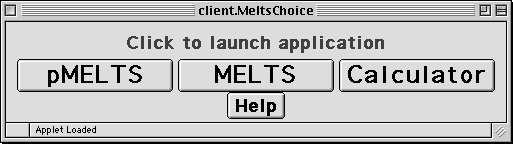
- The MELTS button launches the MELTS APPLET.
- The Calculator button launches the Calculator APPLET.
- The pMELTS button launches the pMELTS APPLET .
- Each APPLET will appear in its own correctly sized window. If the window dimensions exceed those of the screen, consult your system documentation or system manager to learn how to increase the screen resolution of your monitor.
The applets perform their calculations by communicating with a server located at OFM Research-West. If the server is down, you will receive an
error message when attempting to launch the APPLET, and the APPLET window will not be displayed properly. In the event that a connection cannot be established, please try again in five or ten minutes. If the connection remains down for over one hour, please email the server administrator at
ghiorso@ofm-research.org and the problem will be investigated.
Help with the MELTS/pMELTS APPLETs
Help with the Calculator APPLET
Last Modified Wed, Dec 17, 2003